Download the driver app
Runs on the driver’s phone or tablet, on iOS and Android.
Driver app
The current stop, who boards, and what comes next — not a paper grid of forty names. The same phone is the GPS, so there is no box to install on the bus.
Substitutes get the route, passenger details, and photos in the app. Mark Boarded, Not boarded, or Absent as you go. Preview the run before you start, and lock the app with biometrics when you set it down.
Not marked
Runs on the driver’s phone or tablet, on iOS and Android.
Boarded, Not boarded, and Absent marks are saved with the run, so the office has ridership history without a paper sheet. No card readers or extra hardware.
When the route lives in the app, a substitute does not need a ride-along to learn it. That makes more drivers willing to cover when someone calls off.
Rapidbus started with a school bus driver who wanted the next stop, not the whole manifest, on the screen.
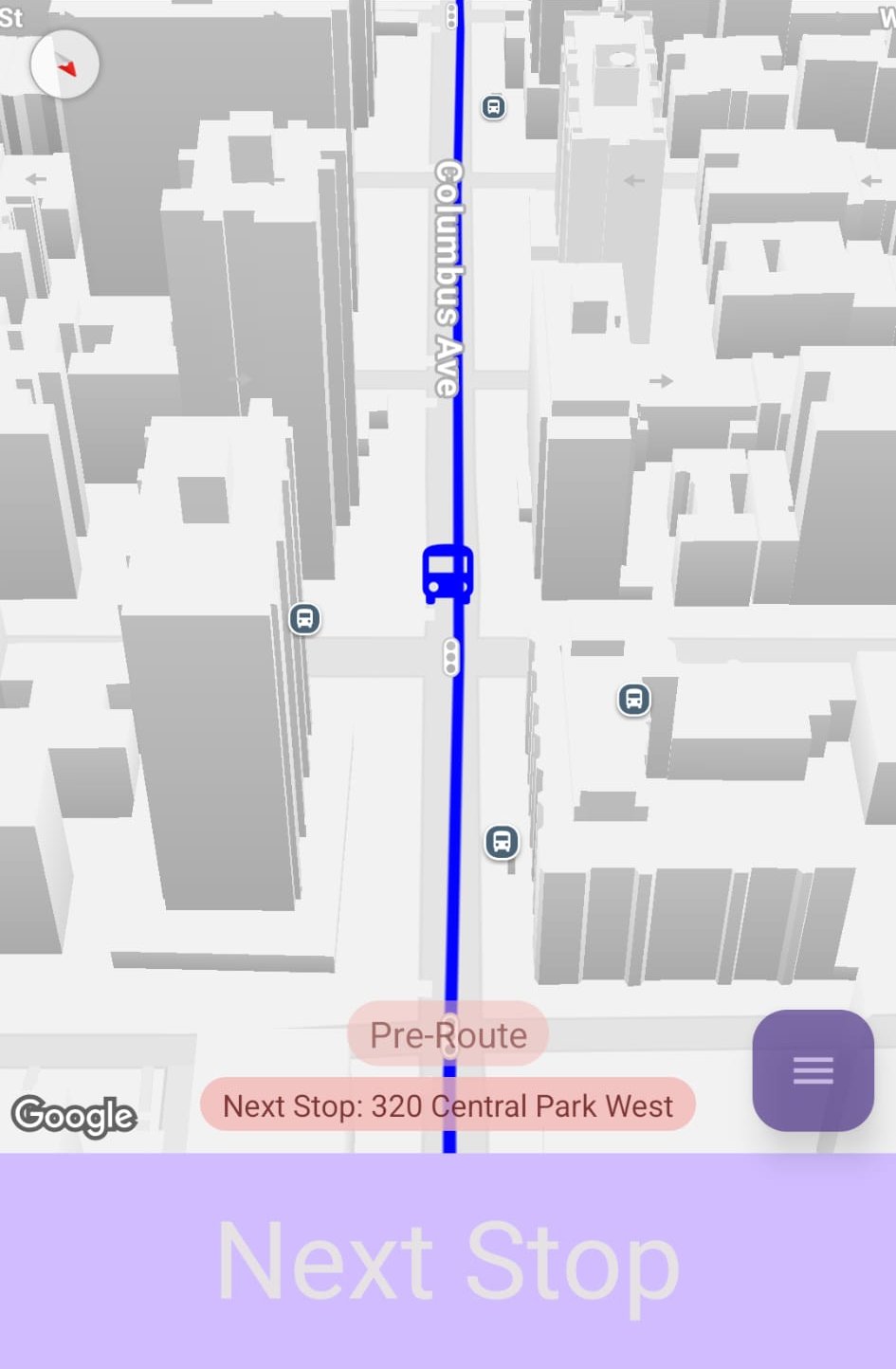
From the real app
Pre-route view
Before the run starts, the driver sees the route on the map, the first stop, and a single Next Stop button.